# Elixir Phoenix + Brunch + Redux + React
This is mostly a post to remember how to setup this in the future.
I have been learning Redux since I found out that [Elm](http://elm-lang.org/) influenced it. This is how I set up a new project with Elixir Phoenix, Redux and React. The important thing is that I'll be using the **brunch** that is configured by default in Phoenix instead of **webpack**. Why?, because right now I don't need webpack and brunch is already there.
First create a new Phoenix project and accept to fetch and install the dependencies:
```
mix phoenix.new phoenix_redux
```
Move inside the just created directory and setup the database.
```
cd phoenix_redux
mix ecto.create
```
Install the *react*, *redux* and *react-redux* dependencies
```
npm install --save react react-dom redux react-redux
```
We need to add support for ES2015
```
npm install --save-dev babel babel-preset-es2015 babel-preset-react
```
We need to modify the *brunch-config.js* file to configure babel to understand react and ES2015. Add the presets to the babel section:
```
plugins: {
babel: {
// Do not use ES6 compiler in vendor code
ignore: [/web\/static\/vendor/],
presets: [ "es2015", "react" ]
}
},
```
And whitelist the packages:
```
npm: {
enabled: true,
whitelist: ["phoenix", "phoenix_html", "react",
"react-dom", "redux", "react-redux"]
}
```
Finally let's try it. Create a reducers directory inside *web/static/js/*
```
mkdir web/static/js/reducers
```
and create an *index.js* file in it:
```
export default (state = 0, action) => {
switch (action.type) {
case 'INCREMENT':
return state + 1
case 'DECREMENT':
return state - 1
default:
return state
}
}
```
Now create a components directory:
```
mkdir web/static/js/components
```
and add a *Counter.js* file
```
import React from 'react'
const Counter = ({value, onIncrement, onDecrement}) => (
{value}
)
export default Counter
```
Then add an *App.js* file
```
import { connect } from 'react-redux'
import Counter from './Counter'
const mapStateToProps = (state) => {
return {
value: state
}
}
const mapDispatchToProps = (dispatch) => {
return {
onIncrement: () => { dispatch({type: 'INCREMENT'}) },
onDecrement: () => { dispatch({type: 'DECREMENT'}) },
}
}
const App = connect(mapStateToProps, mapDispatchToProps)(Counter)
export default App
```
Finally replace the contents of *web/static/js/app.js* with this:
```
import React from 'react'
import { render } from 'react-dom'
import { Provider } from 'react-redux'
import { createStore } from 'redux'
import rootReducer from './reducers'
import App from './components/App'
let store = createStore(rootReducer)
render(
,
document.getElementById('root')
)
```
Remove the
```
…
```
in *web/templates/layout/app.html.eex* and add this instead of it:
```
```
Start the app
```
mix phoenix.server
```
Go to [http://localhost:4000](http://localhost:4000) and test that everything works:
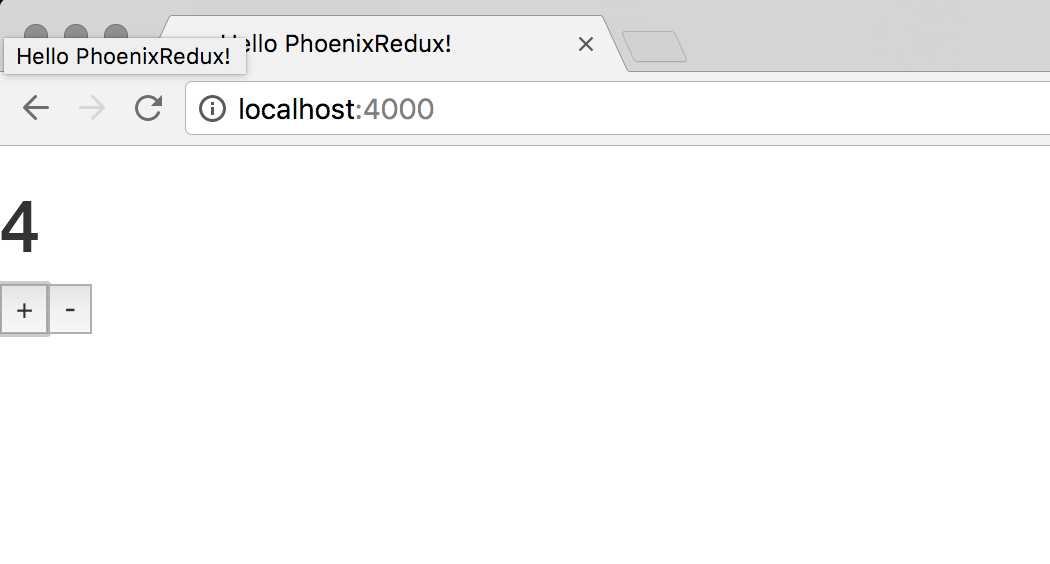*It works!*
That's it.
Sources: [https://github.com/thestonefox/phoenix_react_redux_tutorial](https://github.com/thestonefox/phoenix_react_redux_tutorial)